System user
Step 1
Open the DHL Business Customer Portal.
Step 2
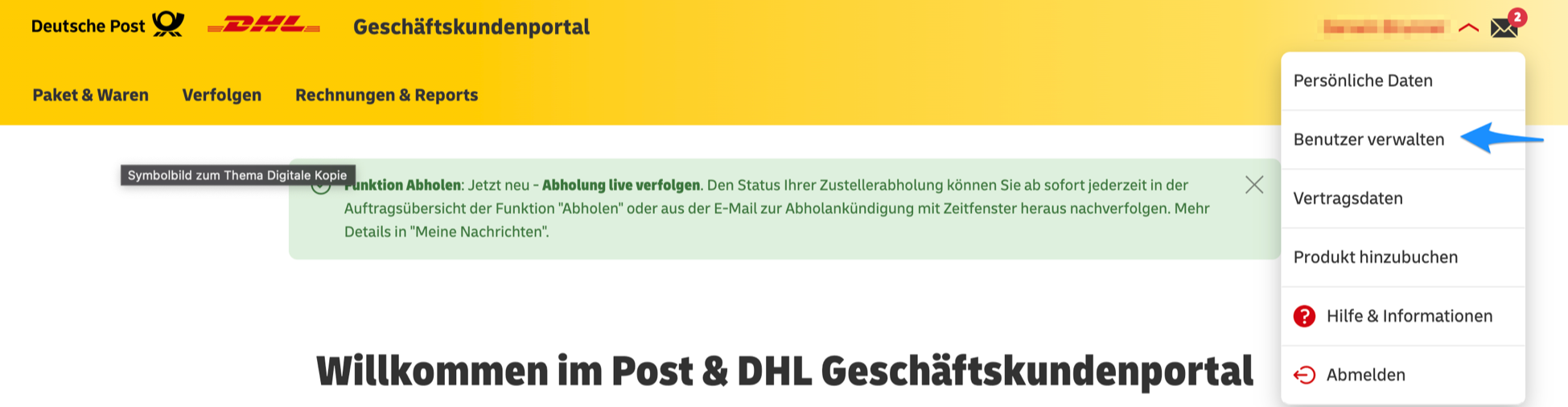
Select the arrow next to your name, as shown in the screenshot.

Step 3
Select Manage users.
Step 4
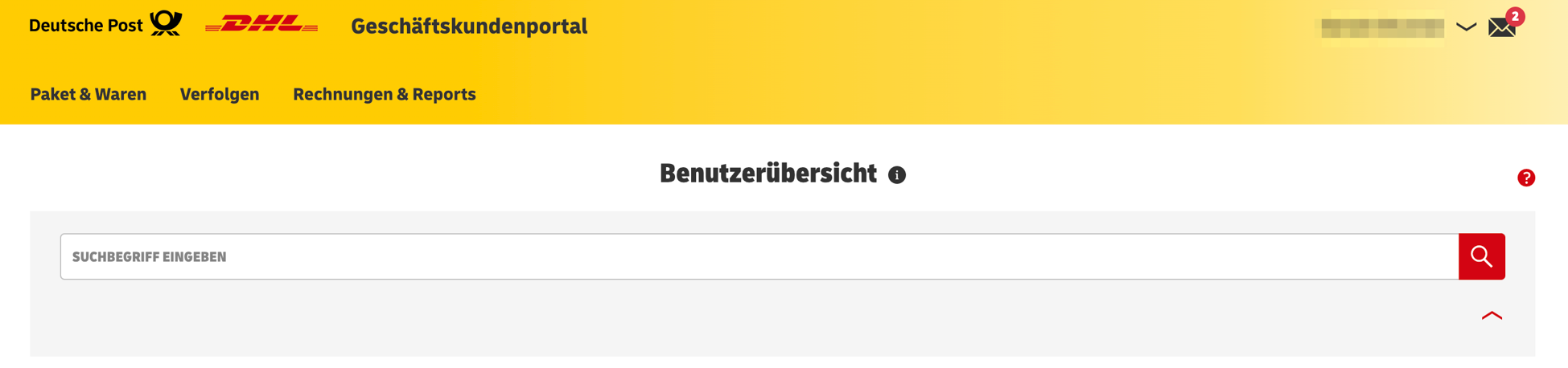
The user overview is displayed.
Step 5
Select Create new user.
Step 6
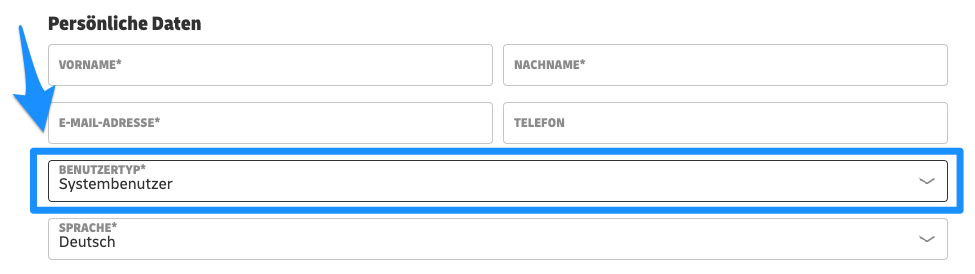
You can now define the permissions for the user stored in the app. Select the user type System user.
Step 7
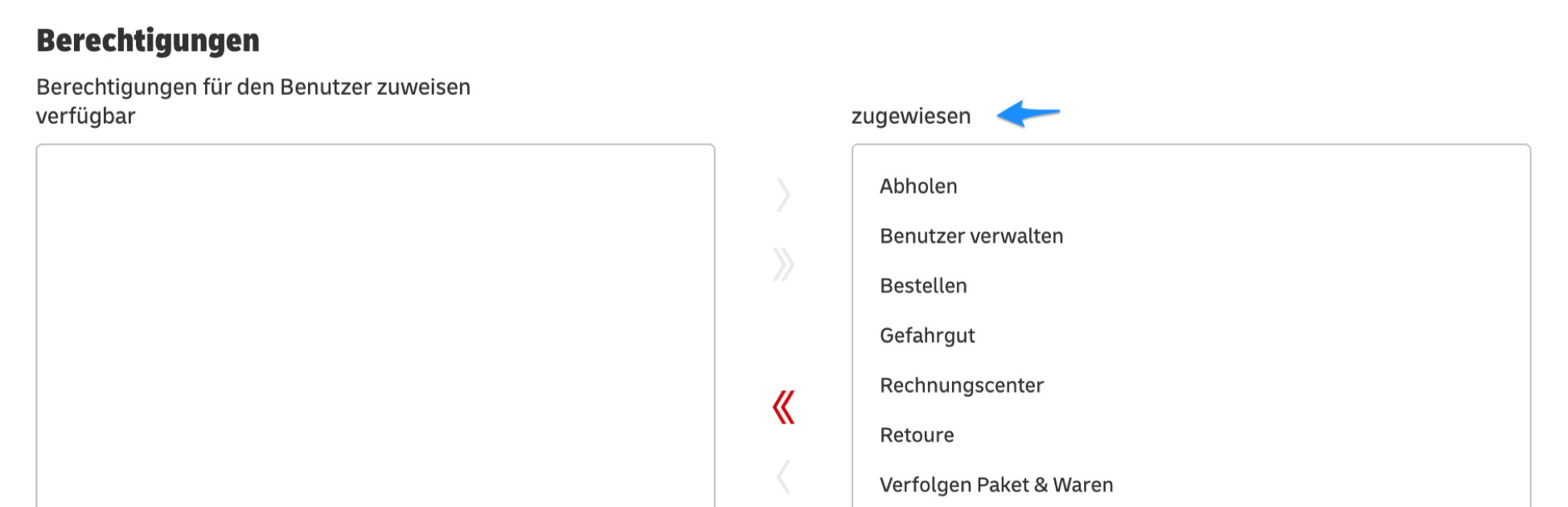
Under Permissions, assign the permissions shown in the screenshot. Enable all of these permissions.