Changing your password
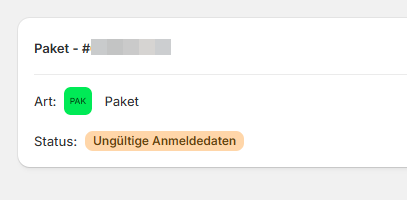
Because the password for your DHL Business Customer Portal changes regularly, you must also store the new password for the corresponding accounts in the app.
If the fields described below are not visible, try creating a shipment. The password will then be checked and the password entry field enabled if necessary.
Step 1
Open the Post & DHL Shipping app.
Step 2
Select Go to accounts section to jump directly to the accounts section.
Alternatively, edit the account directly by selecting the pencil icon for the relevant account.

Step 3
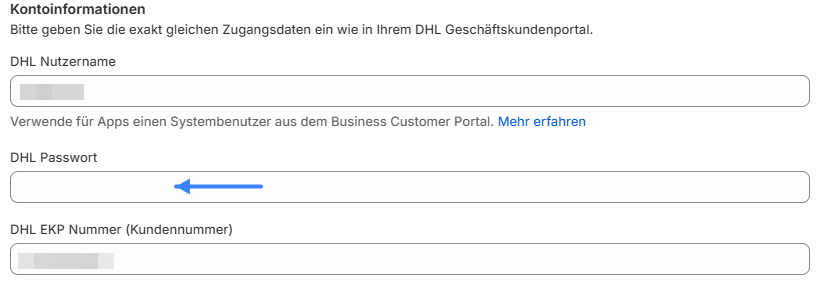
Your account details and a password field should now be visible. Enter the new password in this field.
Step 4
Select Validate and save to confirm and save your DHL account details.
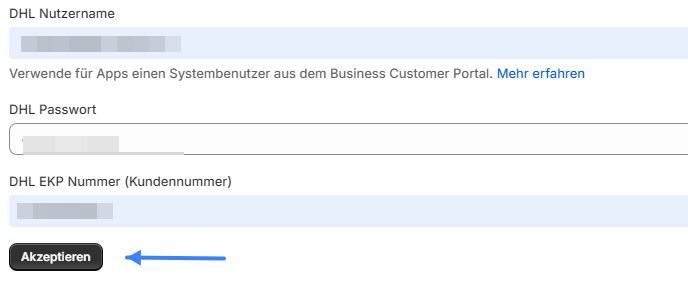
If the field described above is not yet displayed, try creating a shipping label with the app. An error message will appear, after which the password field will be enabled.