Parcel
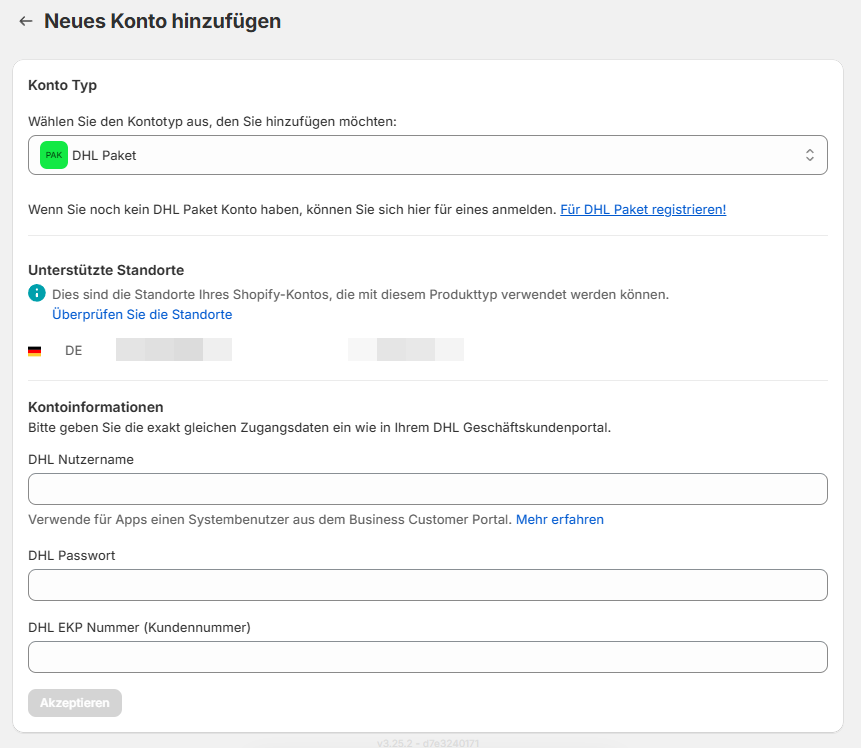
Step 1
DHL Paket should already be selected. Enter exactly the same credentials you use for the DHL Business Customer Portal.
If you use a system user, enter that user's credentials.
Then select Save. Supported locations shows the Shopify locations that can be used with the selected account.
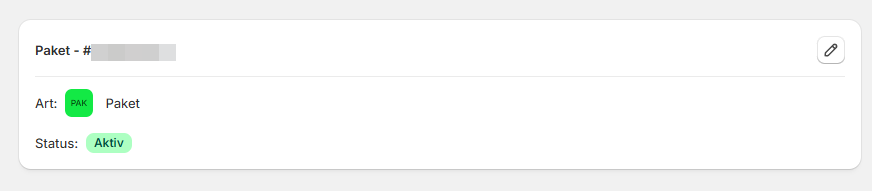
Step 2
Your parcel account is now shown on the app dashboard.
Select Edit or the pencil icon in the top-right corner.
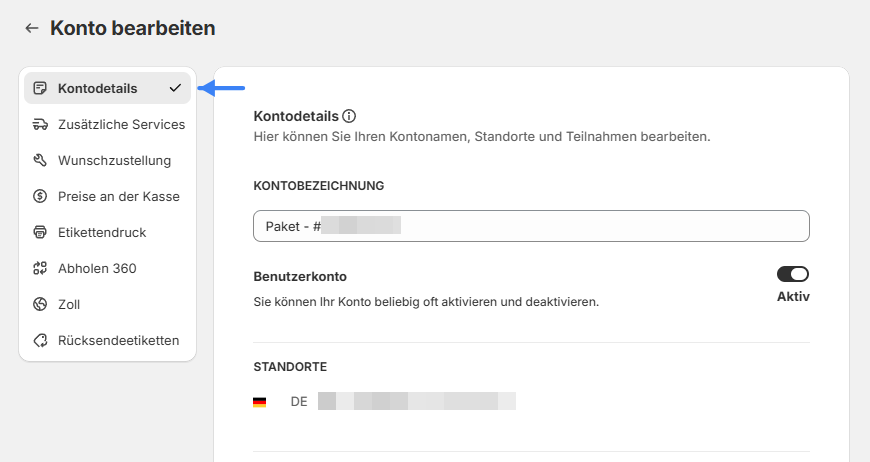
Step 3
You can now edit your account.
Step 4
To complete the process, select Save at the bottom of the page.
Step 5
Your account has now been activated successfully. Next, add the required participations.
warning
You cannot create a label without these participations.